Guide to Mimecast (Business Continuity Platform)
Purpose
To support business continuity during an email service disruption, Information Systems will automatically activate Mimecast continuity services. This ensures continued access to email communication while the outage is being addressed. During an outage event, you can access Mimecast in the following ways:
Outlook on a Firm Laptop or Remote Session (AVD)
During an email outage, you may continue using Outlook, but Outlook may display a red “X” in the taskbar. The red X is an indication that email flow is still working via our Mimecast email continuity platform.

IMPORTANT: Emails sent during this period may appear in the Inbox instead of Sent Items.
Mimecast Mobile App
If Outlook is unavailable, the Mimecast Mobile app can be installed via the Company Portal.
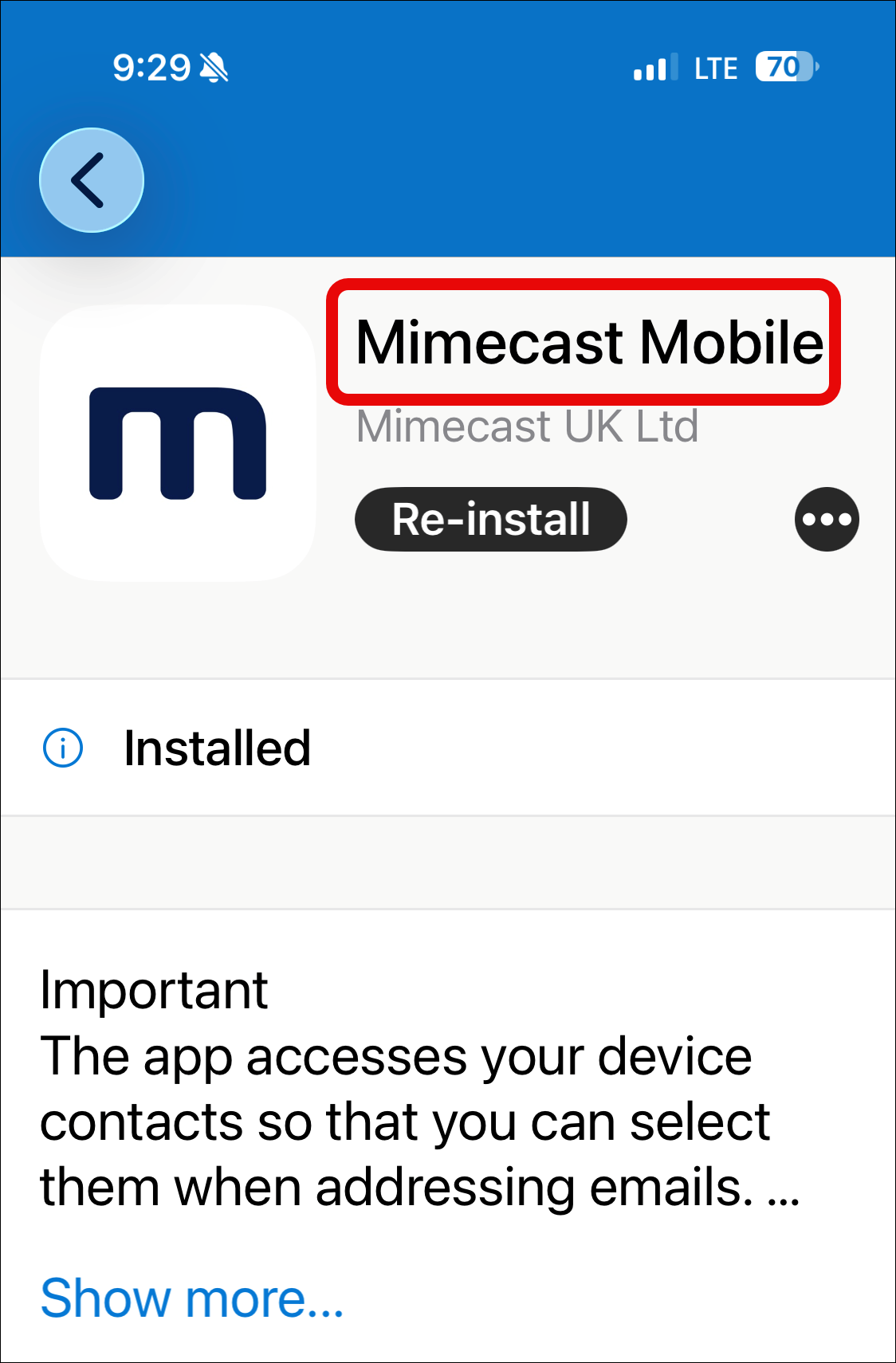
IMPORTANT: Some Outlook contacts may not be available in Mimecast, and automatic address suggestions (autocomplete) for email addresses may be limited. This limitation also applies when using the Mimecast web portal.
Mimecast Web Portal
Mimecast can also be accessed via InSite by launching Emergency Procedures and selecting Email Continuity.
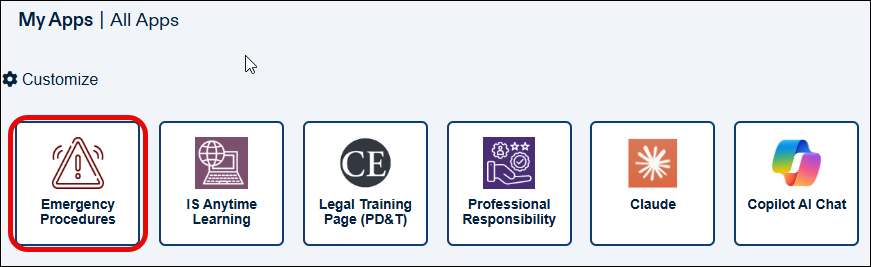
During an email outage event, Information Systems will communicate the appropriate methods for accessing Mimecast continuity services, including the Paul Weiss Mimecast Continuity Portal when applicable.
Frequently Asked Questions
Will I see all my emails during an email continuity event?
For the most complete email experience, use Outlook whenever possible, as it provides access to your entire mailbox. The Mimecast mobile app is intended for continuity access and contains approximately 30 days of email content.
Can I send emails from Mimecast?
Yes. You can send, reply to, and forward emails during an outage. These messages may sync back to Outlook after service is restored.
Is Mimecast secure?
Yes, but always follow security best practices:
- Use only official login links as referenced here
- Be cautious of phishing emails during outages
Need Help?
If you experience any issues accessing Mimecast, please contact the Help Desk (x2535).
Thank you for helping ensure continuity during service disruptions.